I’m a blind photographer, and I still love shooting film. But every light meter I tried expected me to read a needle or a screen. So I built one that talks. Talking Light Meter is an iPhone app that tells you the shutter speed out loud, and with version 1.1 you can now talk back to it.
What it does
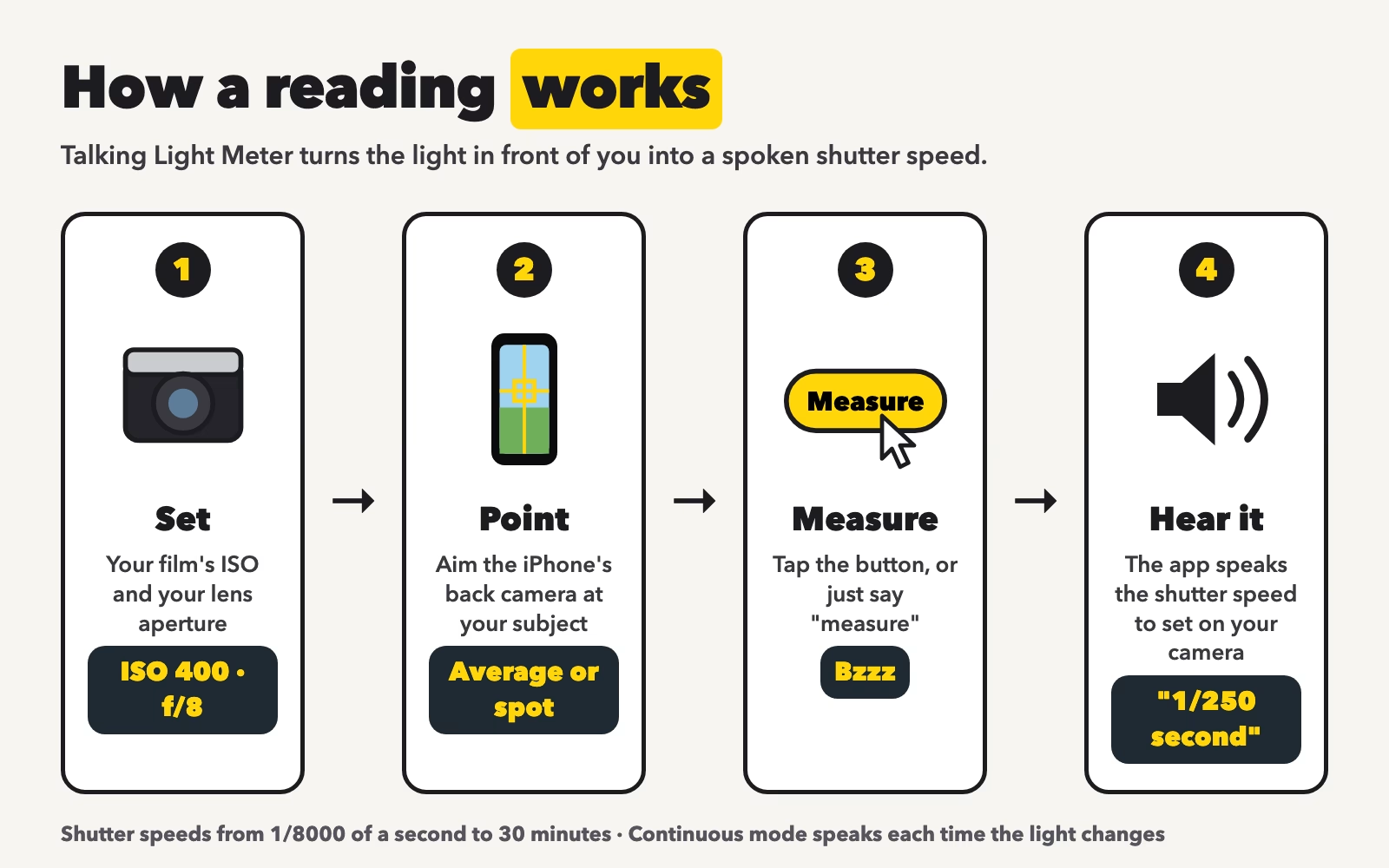
Talking Light Meter is a light meter for film cameras. You tell it your film’s ISO and your lens aperture, point your iPhone at the scene, and press Measure. The phone gives a short buzz and speaks the shutter speed, like “one two hundred fiftieth of a second.” Then you set that speed on your camera and take the picture.
It works fully with VoiceOver, so every setting can be changed by swiping, and every reading is announced. If you have some vision, the screen uses large, high-contrast controls on a dark background.
How a reading works
Behind the scenes, the app reads how bright the scene is through the iPhone’s camera. It combines that with your ISO and aperture and picks the right shutter speed, from 1/8000 of a second all the way to 30 minutes. You can meter the whole scene (average) or just the centre (spot). Continuous mode speaks a new reading whenever the light changes, which is handy when you’re walking around.
I checked its readings against a real handheld meter, and they match.
New in 1.1: just ask
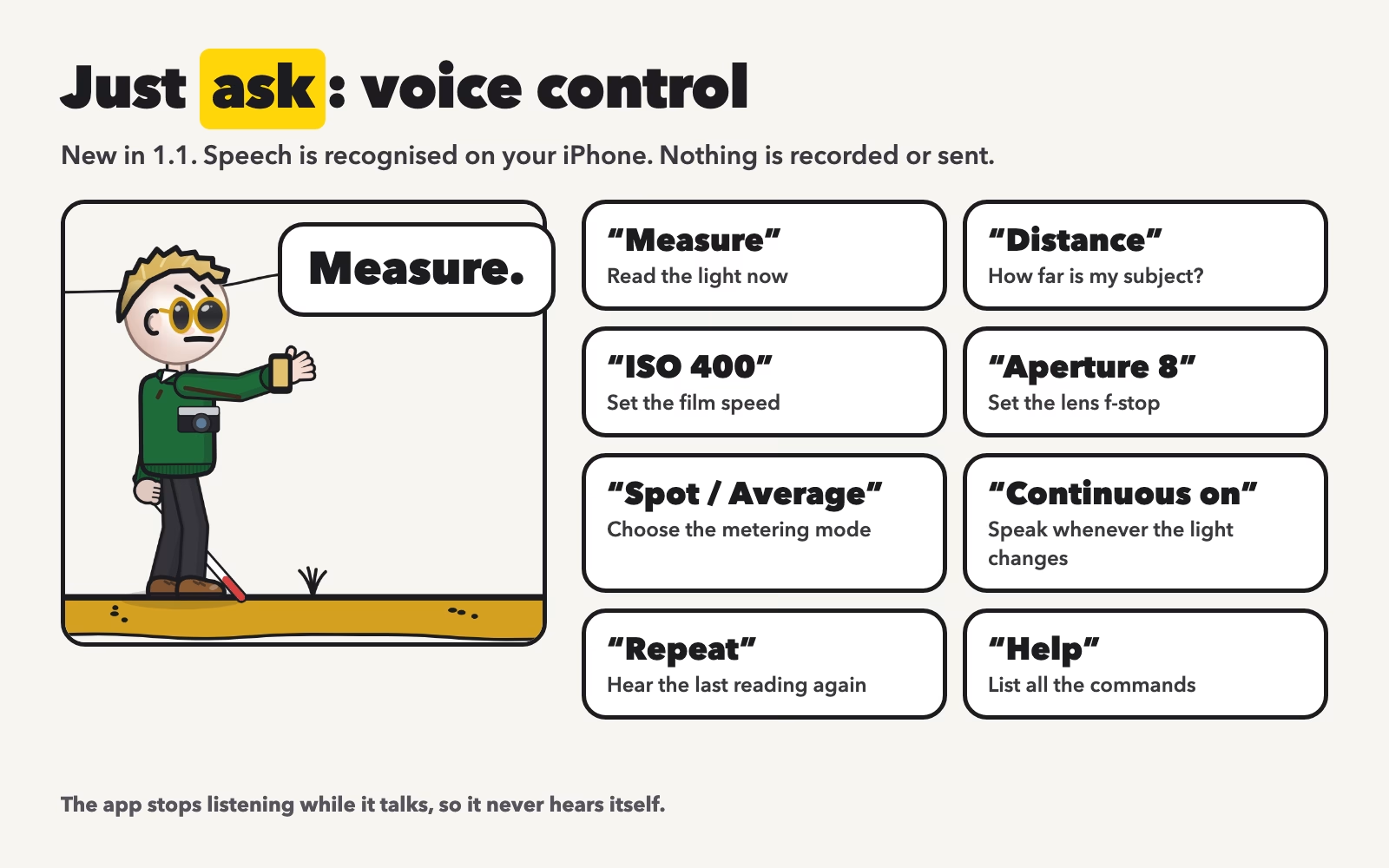
The biggest change in 1.1 is voice control. Turn it on, and you don’t need to find a button at all. Say “measure” and it reads the light. Say “ISO 400” or “aperture 8” to change your settings. Say “repeat” if you missed the last reading, or “help” to hear the list of commands.
Your voice is recognised on the iPhone itself. Nothing is recorded or sent anywhere. The app also stops listening while it’s talking, so it doesn’t hear itself.
New in 1.1: how far away is it?
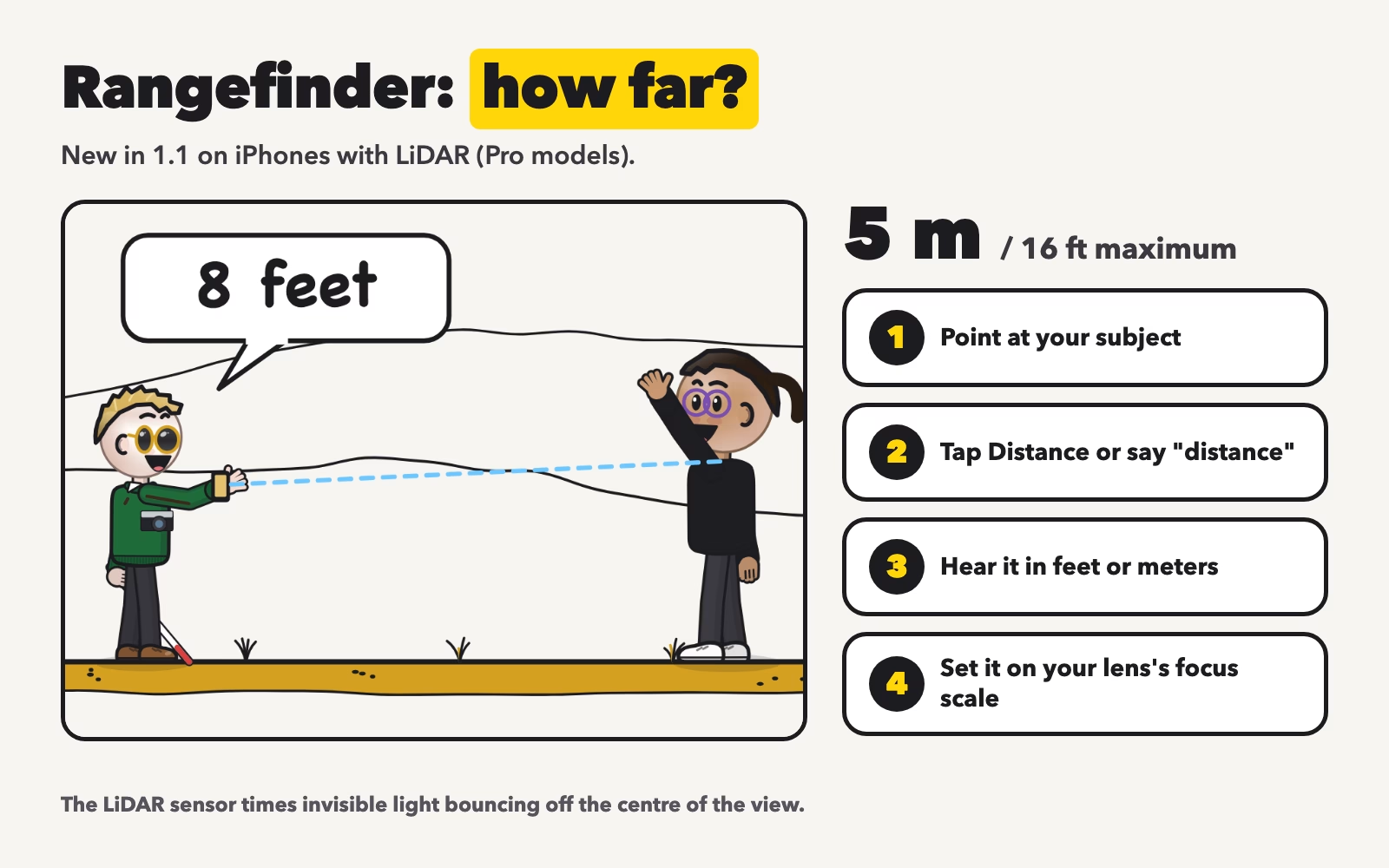
Focusing is the other half of the job. On iPhones with LiDAR (the Pro models), the app is now also a rangefinder. Point it at your subject and press Distance, or just say “distance,” and it tells you how far away it is, up to 5 meters (16 feet). You can hear it in feet or meters. Then set that distance on your lens’s focus scale.
For people with some vision, there’s also a small live camera window at the top with crosshairs. The square in the middle shows exactly what the app is metering and measuring.
Built for access
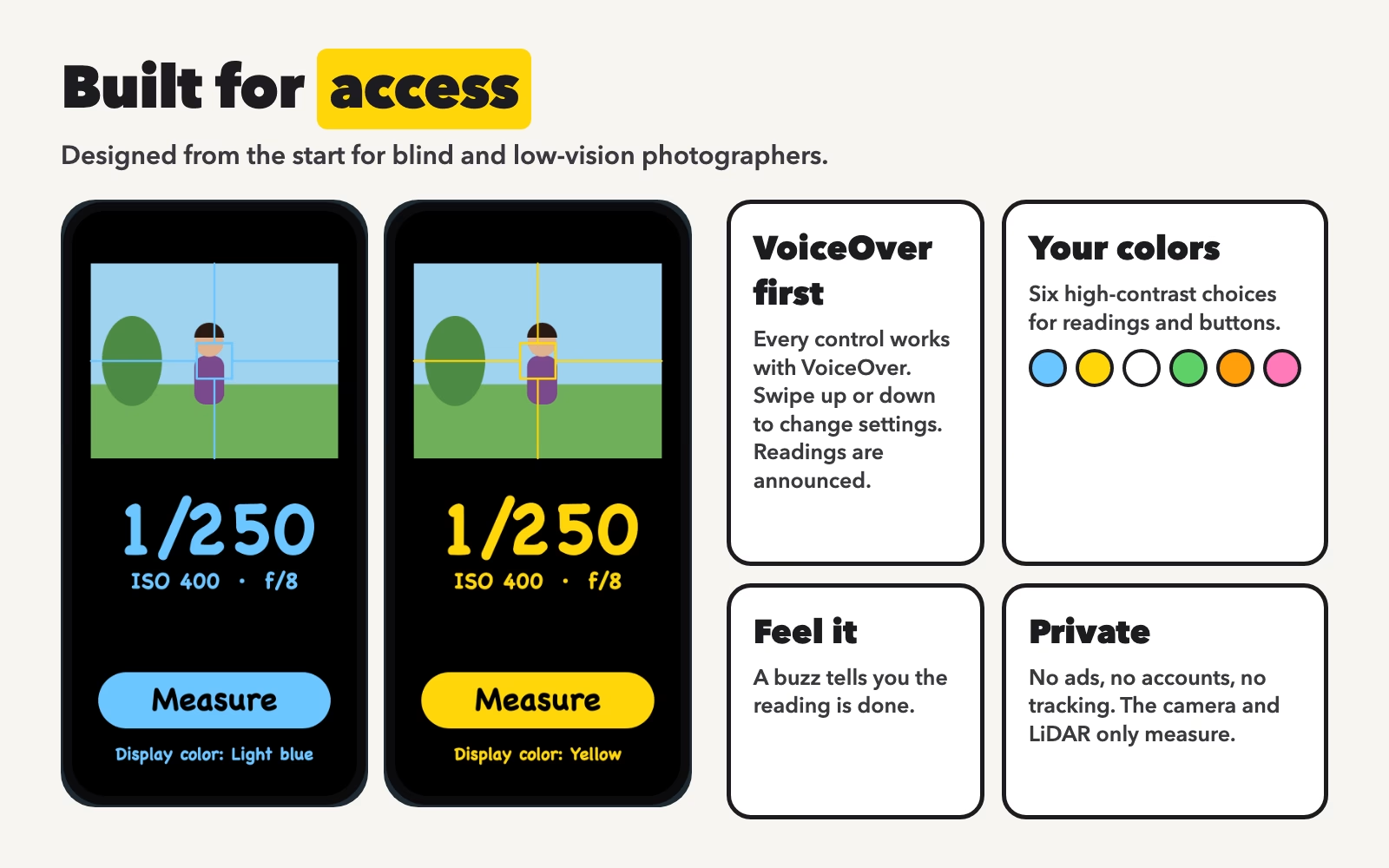
- VoiceOver first. Every control works with VoiceOver, and readings are announced automatically.
- Your colors. Choose light blue, yellow, white, green, orange or pink for the readings and buttons.
- Feel it. A buzz tells you the reading is done.
- Private. No ads, no accounts, no tracking. The camera and LiDAR are only used to measure.
For long exposures
Film doesn’t behave the same in very long exposures, so the app can correct for that (it’s called reciprocity). It has data for Ilford, Kentmere, Kodak and Fujifilm black-and-white films, plus a calculator for working it out yourself.
Get it
Talking Light Meter costs $1.99 on the App Store, with no in-app purchases. Version 1.1 is a free update if you already have it.
Get Talking Light Meter on the App Store
I use it on my own shoots. I hope it helps you keep making photographs too.
Leave a Reply